codefortynine - External Data for Jira Fields

codefortynine - External Data for Jira Fields

Eliminate context switching by dynamically pulling real-time data from CRMs, SQL databases, or REST APIs directly into searchable Jira custom fields and info panels.

Step 1 of 3

Faster Support with CRM Context

Enable support agents to access real-time CRM data (e.g. from Salesforce) like account tier, contract status, and account manager directly in Jira Service Management. External Data for Jira Fields displays this information in a customizable Info Panel. It powers SLA levels using Dependent Fields for accurate prioritization. It also dynamically shows relevant customers through Search Fields in real time.

Faster Support with CRM Context Faster Support with CRM Context

Benefits:

  • Faster Resolution - Access real-time CRM data directly in Jira Service Management to resolve issues more quickly.
  • Fewer Errors - Centralize customer information in one place, reducing mistakes caused by context switching.
  • Seamless SLA Tracking - Use Dependent Fields to keep SLAs accurate and up to date automatically.
Step 2 of 3

Automated IT Workflows with Asset Data

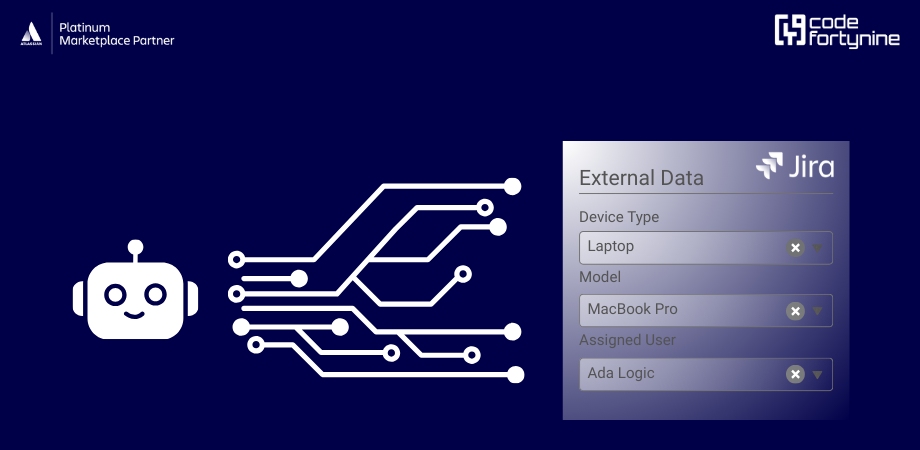
IT teams can simplify request handling by connecting their asset inventory directly to Jira. Employees select their asset using a Search Field, which triggers Dependent Fields to automatically populate relevant details like device type or OS. This information can then drive automation for escalation, team assignment, or priority setting. The result is faster workflows, less manual input, and more accurate IT request processing.

Automated IT Workflows with Asset Data Automated IT Workflows with Asset Data

Benefits:

  • Smart Automation - Escalation, assignment, and priority can be triggered without manual intervention.
  • Less Manual Input - Automate data entry and reduce repetitive tasks.
  • Accurate IT Requests - Ensure correct information is captured for each ticket, minimizing errors.
  • Faster Workflows - Streamline IT processes to resolve requests more quickly.
Step 3 of 3

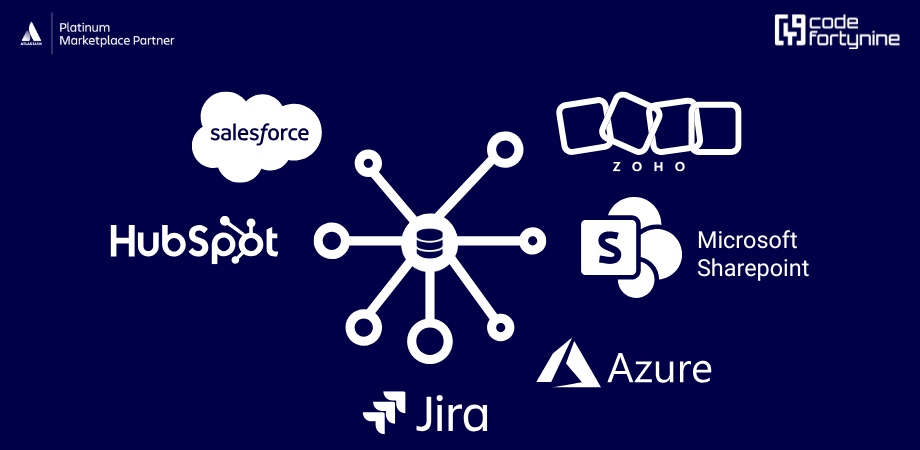
One Flexible Integration Layer for All Your Data

Jira admins and Atlassian consultants can use External Data for Jira Fields to connect CRMs, APIs, and other databases through a single powerful solution. Configuration is handled in one interface, reducing complexity and maintenance overhead. On the front end, teams enjoy a consistent Jira experience with flexible Search Fields, Dependent Fields, multi-level Cascading Fields, and customizable Info Panels. This ensures users get the right data at the right time without disrupting workflows.

One Flexible Integration Layer for All Your Data One Flexible Integration Layer for All Your Data

Benefits:

  • Simplified Configuration - Manage all integrations from a single interface, reducing admin effort.
  • Flexible Data Access - Provide teams with Search Fields, Dependent Fields, and Cascading Fields tailored to their needs.
  • Consistent User Experience - Maintain a seamless Jira interface while delivering external data.