Deviniti - Queues for Jira and Jira Service Management
Overcomes native Jira limitations by allowing teams to create cross-project queues, multi-level queue groups, and customized visibility for better ticket organization.
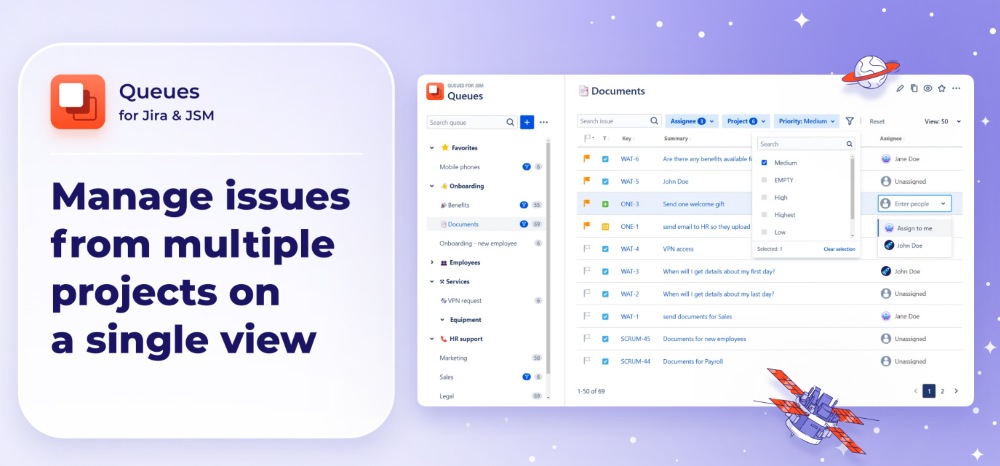
Queues for Jira and Jira Service Management
The default JSM queues have significant limitations, so we took this solution to the next level and created Queues for Jira & JSM, adding features that greatly improve usability and efficiency. The app allows you to create one queue visible across several projects, helping save time on managing portals for different customers. By restricting the visibility of queues to selected users, the app allows teams to work on particular tickets and see the specific queues, improving the security of service operations. Additionally, you can customize queue groups into a multi-level group structure, flag important tickets, filter issues, and manage queues in bulk to quickly resolve tickets and increase customer satisfaction. The Queues for Jira & JSM app supports English, German, Polish, French, and Portuguese, allowing users from various countries to access it. Additionally, the app automatically adjusts to the light or dark mode settings in your Jira and provides a more comfortable viewing experience.
Benefits:
- Organizing issues from various projects into a single view.
- Delegating application management to specific groups and assign group admins to manage queues.
- Making the queue view accessible to selected users or groups.
- Arranging queues into organized folders and subfolders creating multi-structured queue groups.
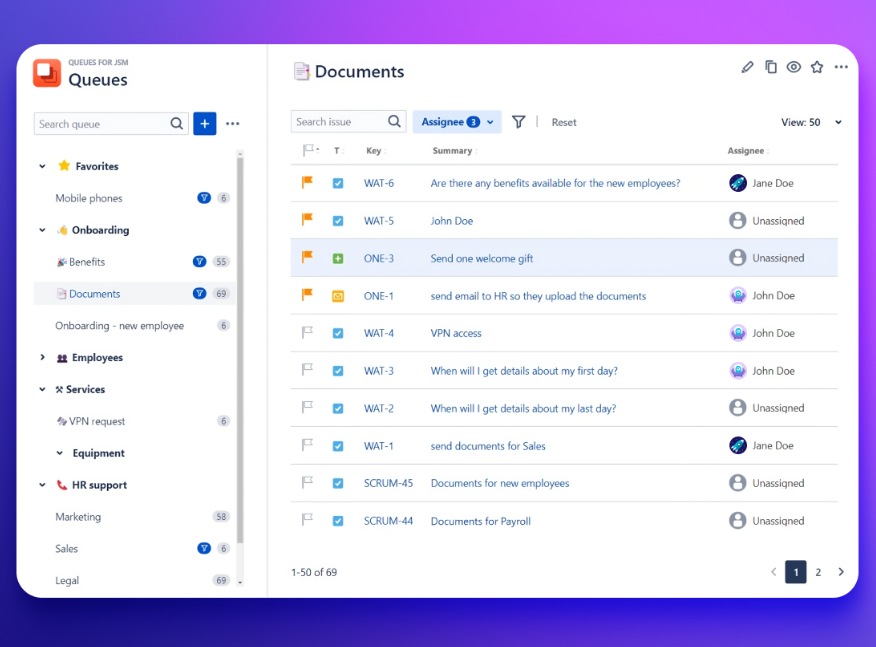
Manage tickets from all of your Jira projects in a single place.
Gather issues from multiple projects and Customer Portals. Monitor all requests from one location to quickly spot the most urgent ones.
Benefits:
- Creating cross-project queues to see all tickets at a glance.
- Reducing ticket backlog and give your team an organized place to work in.
- Improving the first response time and collaboration across the teams.
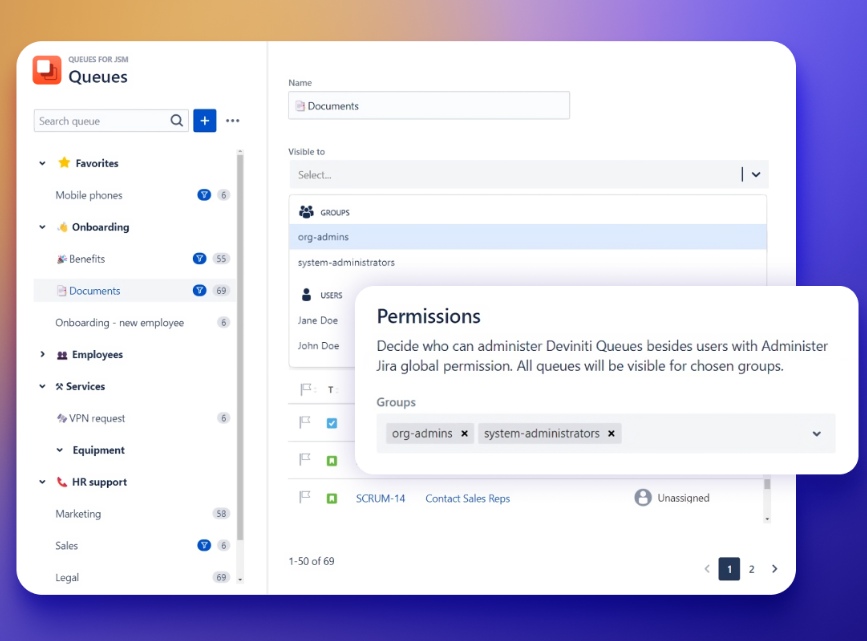
Make queues visible only to specific users
Restrict access to tickets to protect the sensitive data.
Benefits:
- Ability to control who can view, manage, and delete specific queues.
- Granting and revoking permissions to make sure only authorized employees can work on relevant tickets.
- Configure Notifications so new issues added to a queue are highlighted.
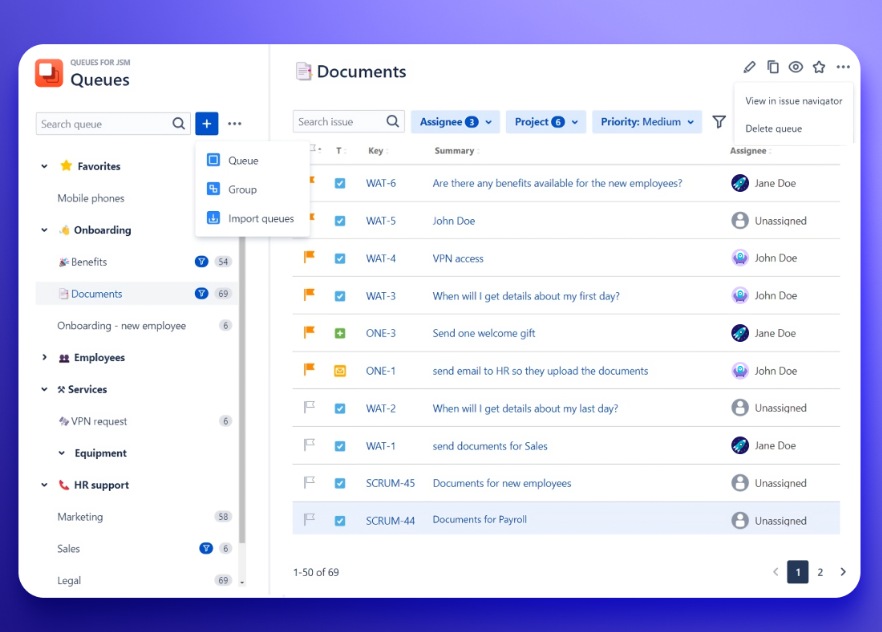
Organize queue groups to plan your work effectively
Minimize ticket backlog. Avoid clutter and provide timely responses.
Benefits:
- Ability to create transparent structures for your queue groups.
- Quick deletion of queues that are no longer needed.
- Exporting and importing queues from other projects or JSON files.