Deviniti - Entra ID (Axure AD) for Jira
Synchronizes and displays Microsoft Entra ID (formerly Azure AD) user attributes directly within Jira issues to streamline user data management and approvals.
Entra ID (Azure AD) Attributes Sync for Jira
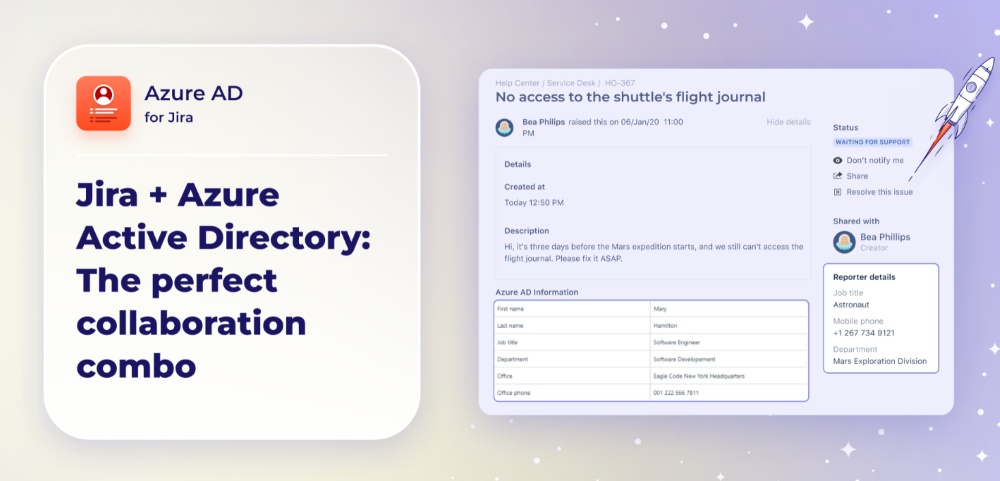
Display user attributes from Azure AD across your Jira instance. Keep data consistent and up-to-date. Entra ID (Azure AD) Attributes Sync for Jira provides easy synchronization of Azure AD attributes, bringing key details directly into Jira and Jira Service Management issues for an improved workflow experience and better data visibility. For example, you can speed up the approval process by automatically filling the approver’s field using the Azure AD Manager attribute, eliminating the need for manual manager assignment. updates user properties in Azure AD from the Jira level, improving the smooth collaboration between both platforms. The app provides service agents with more ways to contact internal customers, fostering better communication and improving the user experience.
Benefits:
- Flexible configuration options, allowing users to decide which attributes to show and where they appear, maintaining complete control over information visibility and usage.
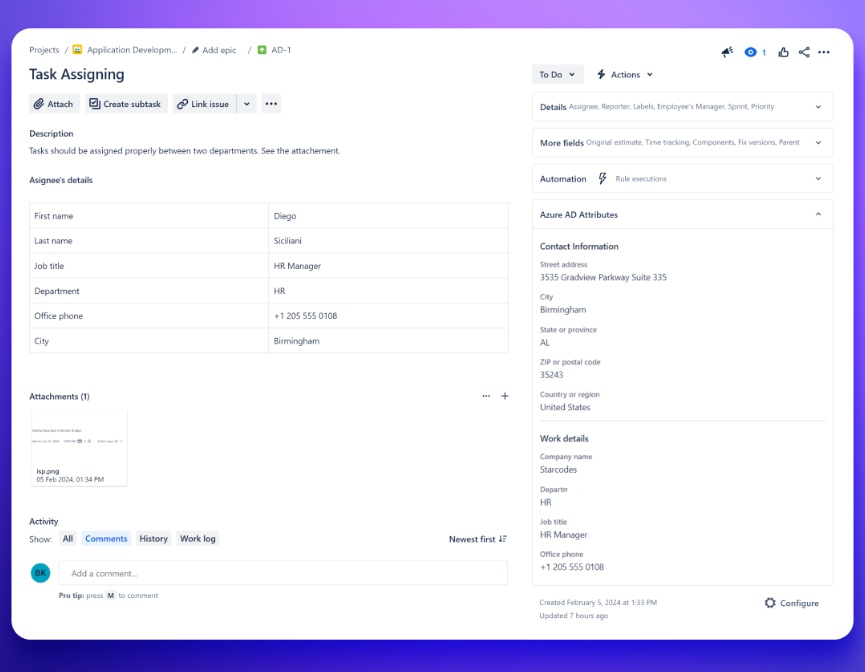
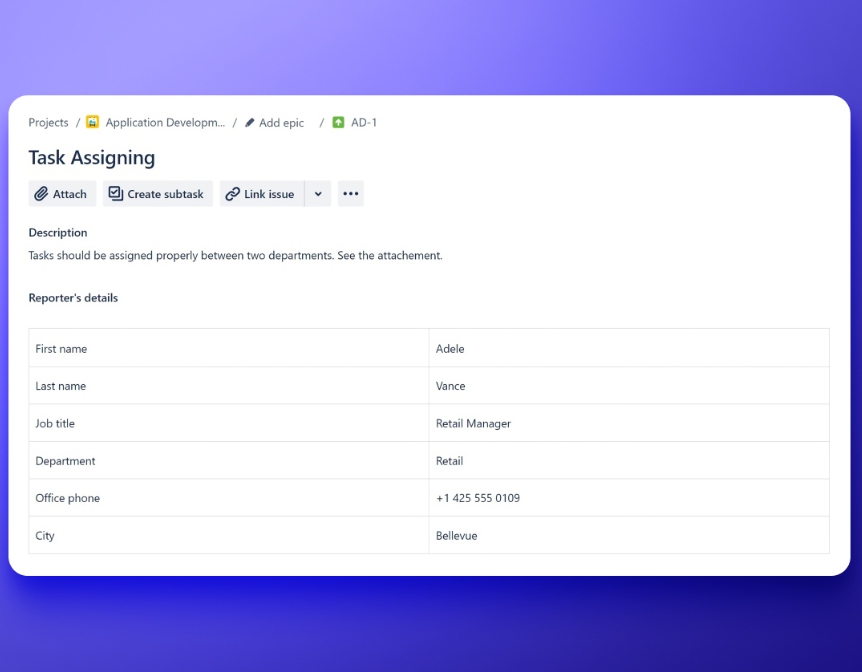
- You can display essential user details (either Reporter or Assignee) effortlessly in the Issue Details View, Request Details View, or Jira custom fields for convenient access, saving administrators from the hassle of manually updating user information and the risk of errors.
- Resolves the problem of a lack of detailed information about users by automatically synchronizing the Azure AD data directly into Jira custom fields.
- Offers automated updates that improve reporting functionalities, saving users time because reports can be generated based on crucial Azure AD attributes.
Fetch accurate and relevant user information
Make sure users have access to correct and current user information in Jira.
Benefits:
- Simple attributes synchronization
- Pull essential user information from Microsoft Entra ID (Azure AD) and integrate it directly into Jira custom fields. Display relevant data on issue views and build custom processes based on that information.
- Relevant user information at hand
- Show Azure AD data in a dedicated section on Issue and Request views, or copy them to custom fields for use with Automation and 3rd party apps.
Map and synchronize attributes
Map Azure AD attributes of Assignee, CAB, Change Managers, Reporter and User Picker.
Benefits:
- Custom field mapping
- Configure custom fields to display Azure AD information in Jira. Tailor workflows based on user attributes.
- Display and update data
- Show up-to-date Azure AD attributes in Jira. Use different formats like tables or simple fields. Data can be synced during key events like creating or editing an issue, or status change.
Keep the information up to date
Automate data updates and notifications. Make sure that your team always has the information they need to make informed decisions.
Benefits:
- Update data on certain workflow transition
- Use Copy data from Azure post function. Configure it to automatically populate essential details (e.g. the requestor’s line manager). Improve workflow efficiency in scenarios like approval requests.
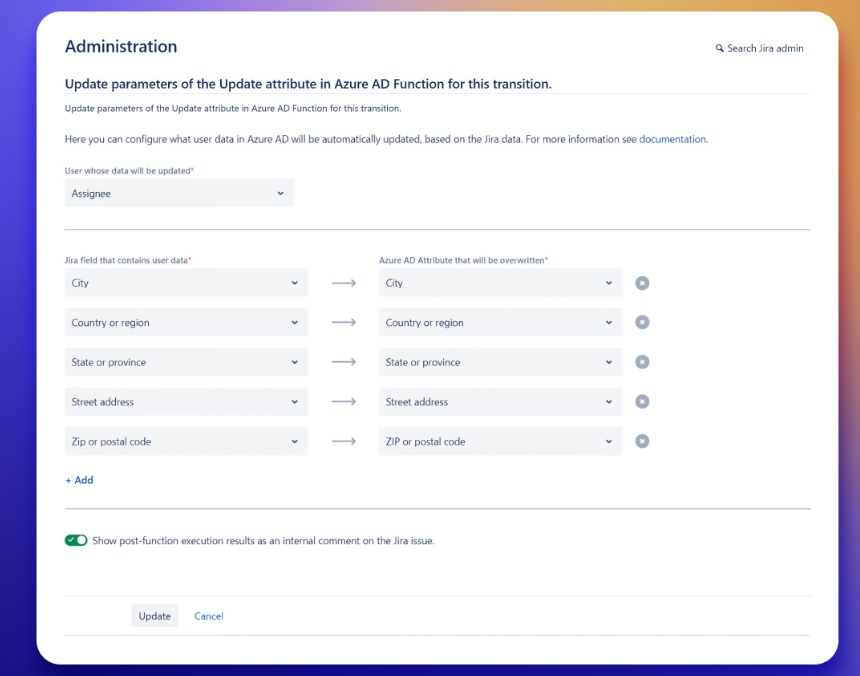
- Update Azure AD attributes directly from Jira
- Use a post-function to update Azure AD details (e.g. phone number or office location) based on data entered in Jira custom field. Build a secure self-service process and reduce the workload for admins.